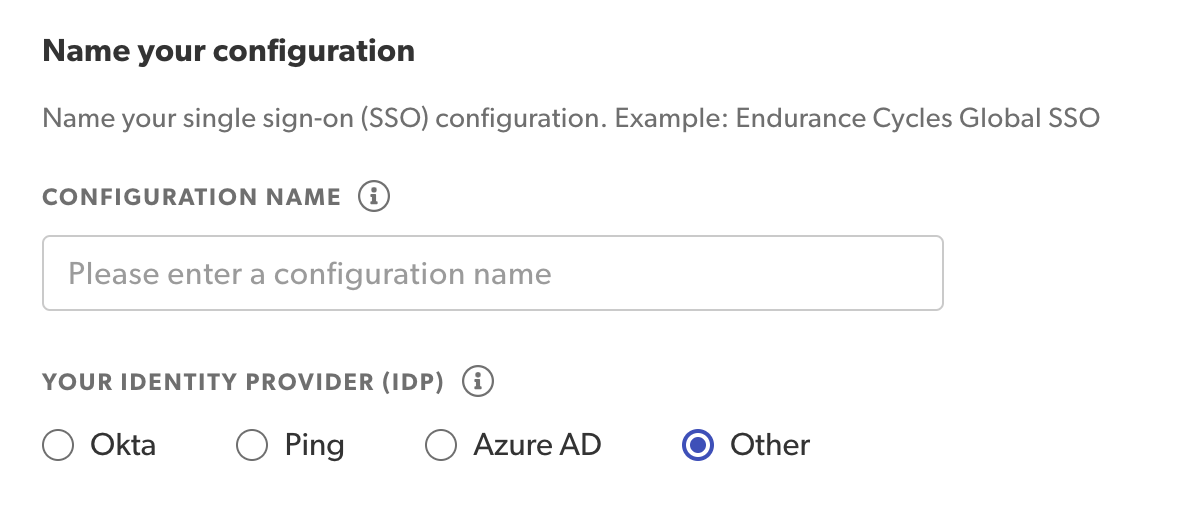
Add a unique configuration name. Select your identity provider (IdP). If your IdP is not Entra ID, Okta, or Ping, select Other. Note: Your identity provider must be supported by SAML 2.0.