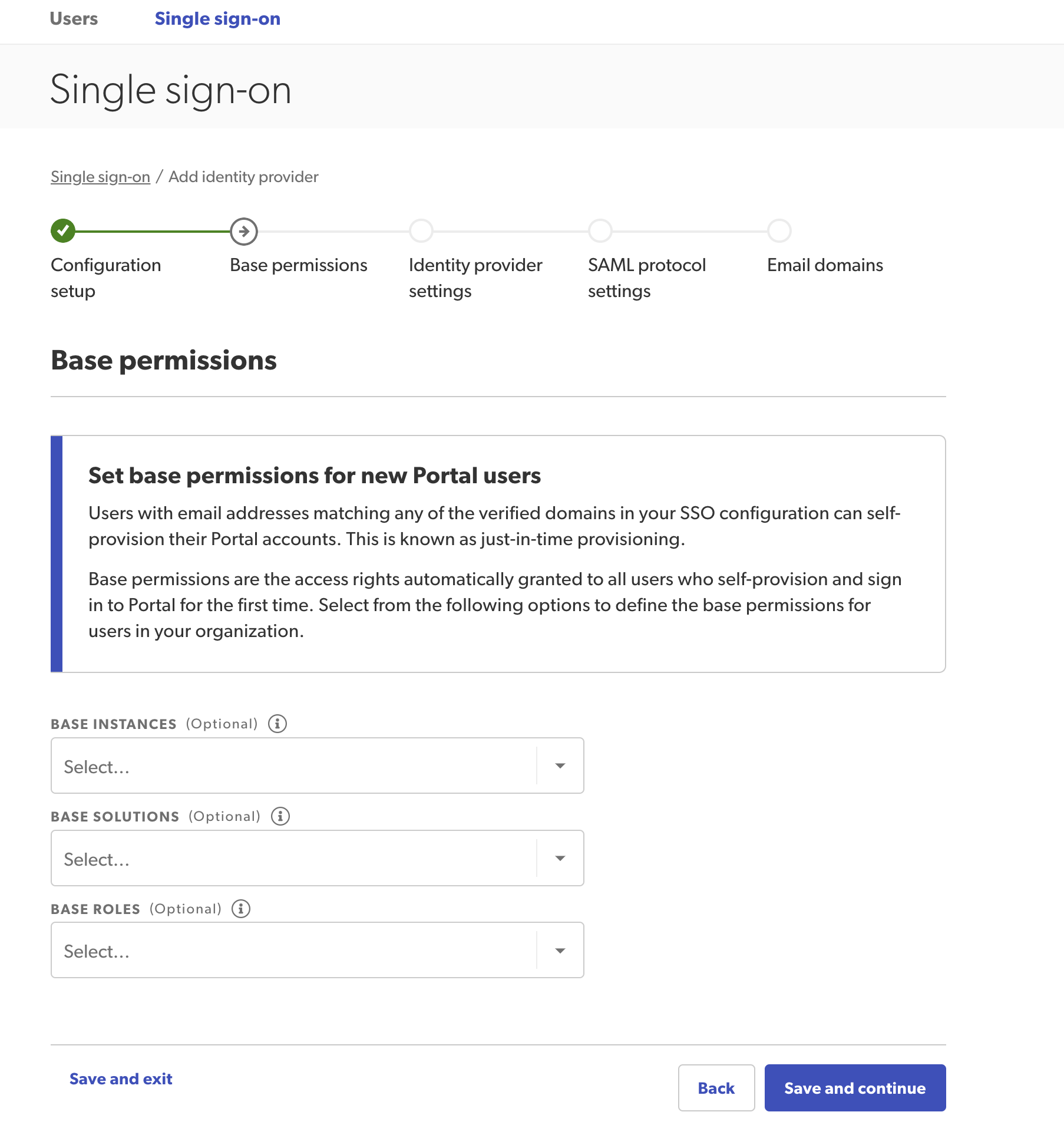
Assign base permission details for any of your Bazaarvoice products. This step will apply base level permissions for all newly created users within your domain. However, you can only assign permissions to instances, solutions, roles, or settings to which you already have access.
The first time a new user signs in using SSO, a new account is created automatically using these base settings. You’ll no longer have to create new users (with your domain name) manually. You can edit these accounts if necessary.

Note: If specific permissions are applied to a single user account, the user permissions will override the configuration base permissions. Specific permissions can only be applied to individual users. We do not provide user groups.
- Set base permissions in the following sections:
- Base instances—Select which instances users can access.
- Base solutions—Select which Bazaarvoice solutions users can access.
- Base portal roles—Assign base roles to users. Roles will only appear after you have assigned solutions.
- Vibe—Assign Vibe settings.
-
Select Save and continue.