- Copy the Issuer URI from your IdP account and paste it into the Identity provider issuer URI field. For example, https://your-idp.endurancecycles.com.
-
Copy the SP-initiated SSO URL (not the IdP-initiated SSO URL) from your IdP account and paste it into the Identity provider issuer URI field. For example, https://your-idp.endurancecycles.com/your-idp-path/.
 Caution: To avoid a configuration error, ensure that you copy and paste the exact Issuer URI and SSO URL. If these values are not available, add sample values.
-
Upload a valid, up-to-date x.509 certificate issued by your corporate IdP in Identity provider settings.
Note: This x.509 certificate is a text file that authenticates the identity of your users and your IdP. It must be a valid file type such as .pem, .cer, .crt, .cert, .der, .p7b, .p7c, .p12.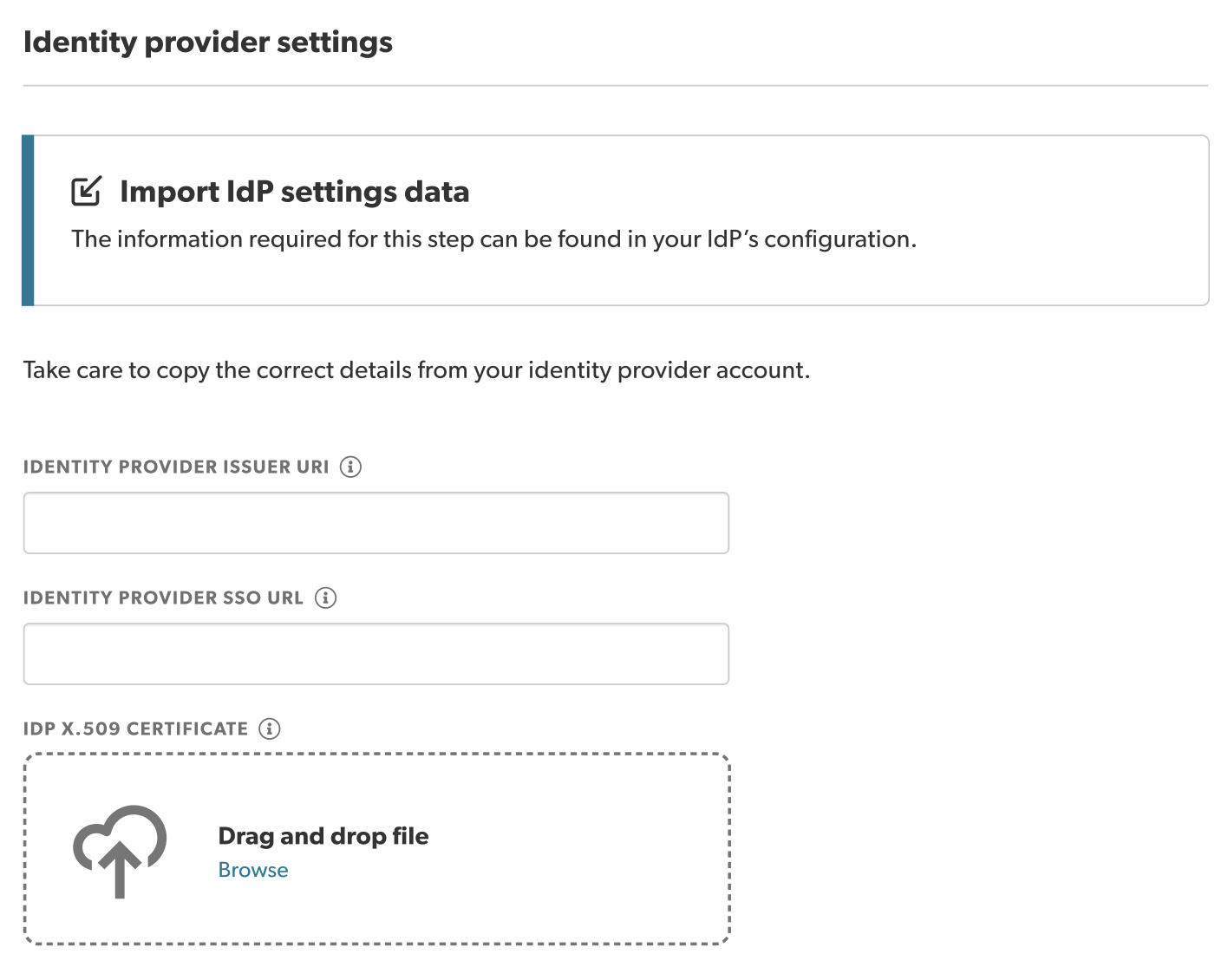
-
Select Save and continue.
Note: You must enter all information required in this step before being able to select Save and continue.

