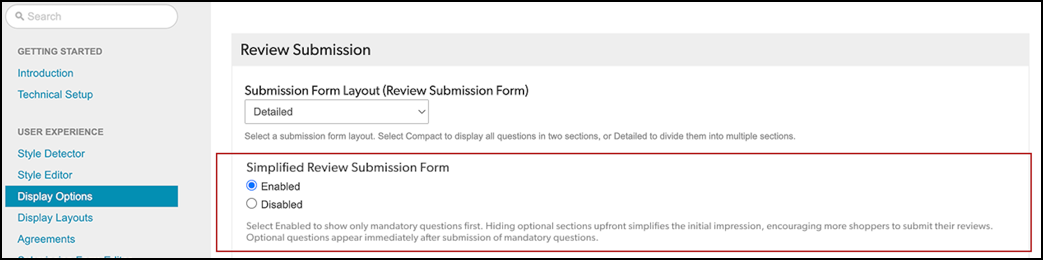
Configure the simplified submission form experience to display a two-stage form layout. When you enable the Simplified Review Submission Form in your configuration, the form initially presents only mandatory fields to the consumer. The optional section appears only after the required section is submitted. When you disable Simplified Review Submission Form in your configuration, the form displays both mandatory and optional sections. Consumers submit the mandatory section first to expand the optional sections.

Note: You can also test this feature against your existing setup using A/B testing support. By defining traffic splits, target deployment zones, and test durations through Bazaarvoice, you can evaluate the impact on your key submission metrics and make data-driven decisions before broader adoption.