Showcase your most helpful questions using the FEATURED label. The label instantly highlights high-value Q&As across Portal and your website.

How to feature a question
Content Moderator Content Administrator
There is no limit to the number of questions you can feature.
To add a featured label to a question:
- Navigate to Ratings & Reviews.
- Select Questions.
- Use filters to find the question you want to feature.
- Select Question details to open the details view.
- Select the ellipses icon (...) in the upper-right corner.
-
Select Feature question.
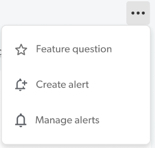

Note: To remove the featured status from a question, select Unfeature question from the same menu.
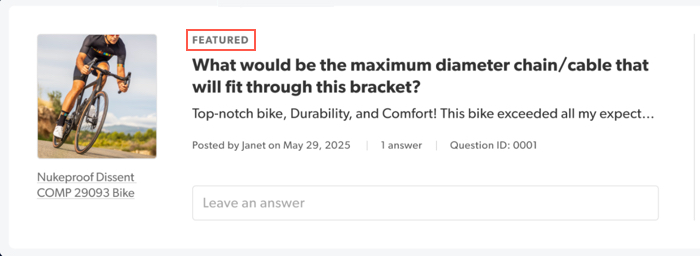
The FEATURED label always appears directly above the question title in Portal.
To automatically show featured questions at the top of your live site, see Question Sort settings in Configure Questions & Answers .
