The Bazaarvoice Ratings & Photos app integrates with Shopify Flow.
Review approved trigger
The Bazaarvoice Ratings & Photos app includes a trigger that starts a workflow when a review is approved.
You can configure this trigger to perform tasks such as:
-
Send a follow-up email to a customer who reviewed a product.
- Send an internal report when a product receives a poor review.
To learn more about Shopify Flow, refer to Shopify Flow Fundamentals or the Shopify Help Center.
Before you begin
Before starting, ensure you:
- Install and configure the Bazaarvoice Reviews & Photos app in your Shopify store.
- Verify that review collection is working properly.
- Install Shopify Flow in your Shopify store.
Get started
To create a flow trigger in your Shopify store, complete the following steps:
- Select Create Workflow in the Shopify Flow app.

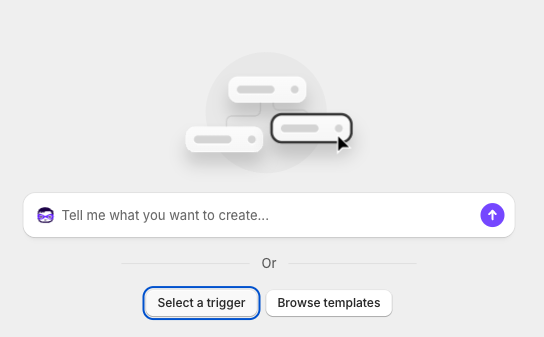
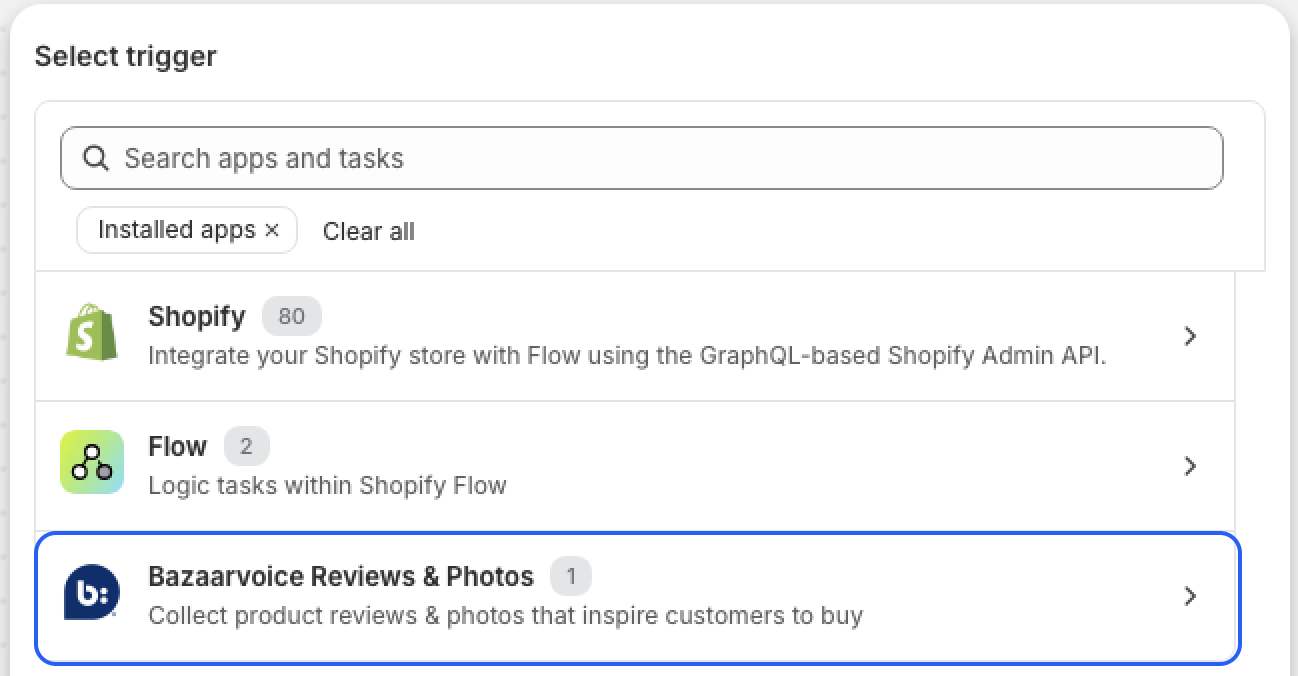
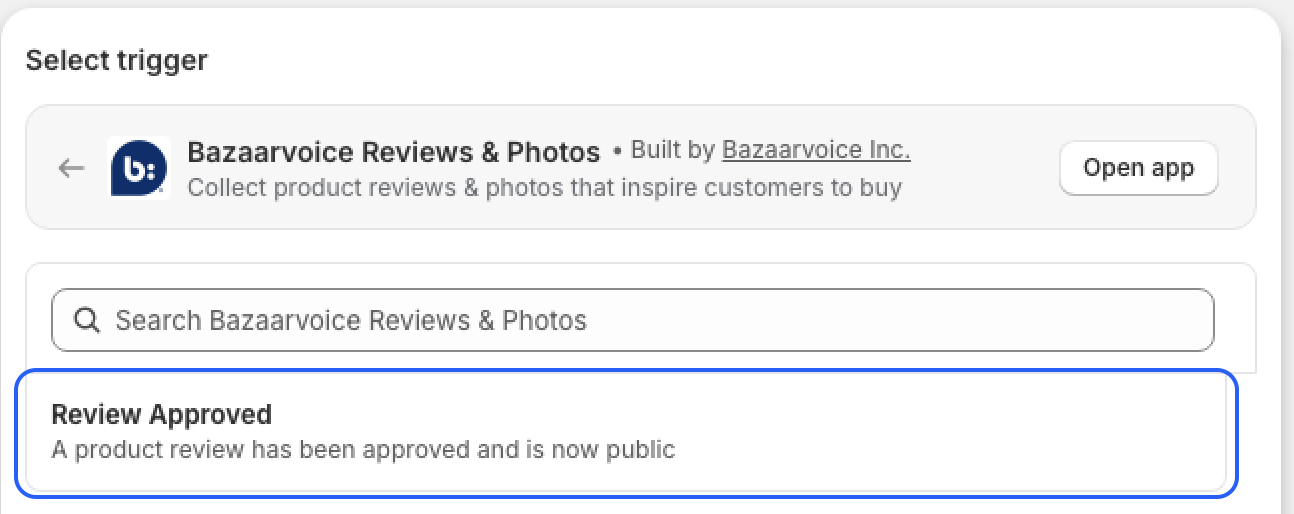
- Click Select Trigger, then select the Review Approved flow trigger under Bazaarvoice Reviews & Photos.
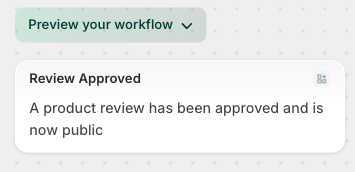
- Link the trigger to actions and conditions to configure your automation workflow.
- Select Turn OnWorkflow after you have finished defining your automation.
Available fields
The Bazaarvoice Review Approved flow trigger includes the following fields for your workflow automation:
|
Field
|
Description
|
|---|---|
|
|
The review title submitted by the reviewer |
reviewText
|
The review content |
reviewRating
|
The star rating of the review, not the product's average rating |
reviewSubmissionDate
|
The review submission date and time in UTC. Example: 2026-01-12T21:47:04Z
|
bvReviewId
|
The unique identifier for the approved review |
contentLocale
|
The localization of the review. Example: en_US, fr_CA |

