Vous pouvez configurer ces styles à l’aide de l’Éditeur de style du portail Bazaarvoice :
Comment ouvrir l’Éditeur de style
- Connectez-vous au portail de Bazaarvoice.
- Dans le coin supérieur droit, sélectionnez l'icône des paramètres.
- Sous Configuration, sélectionnez Ratings & Reviews.
- Sous Implémentations, sélectionnez Edit (Modifier) à côté de l'implémentation que vous souhaitez configurer.
- Sélectionnez Style Editor (Éditeur de style) dans la section User Experience (Expérience utilisateur) à gauche.
Où ces éléments apparaissent sur la page
Sélectionnez l’image pour l’ouvrir en taille réelle dans un nouvel onglet.
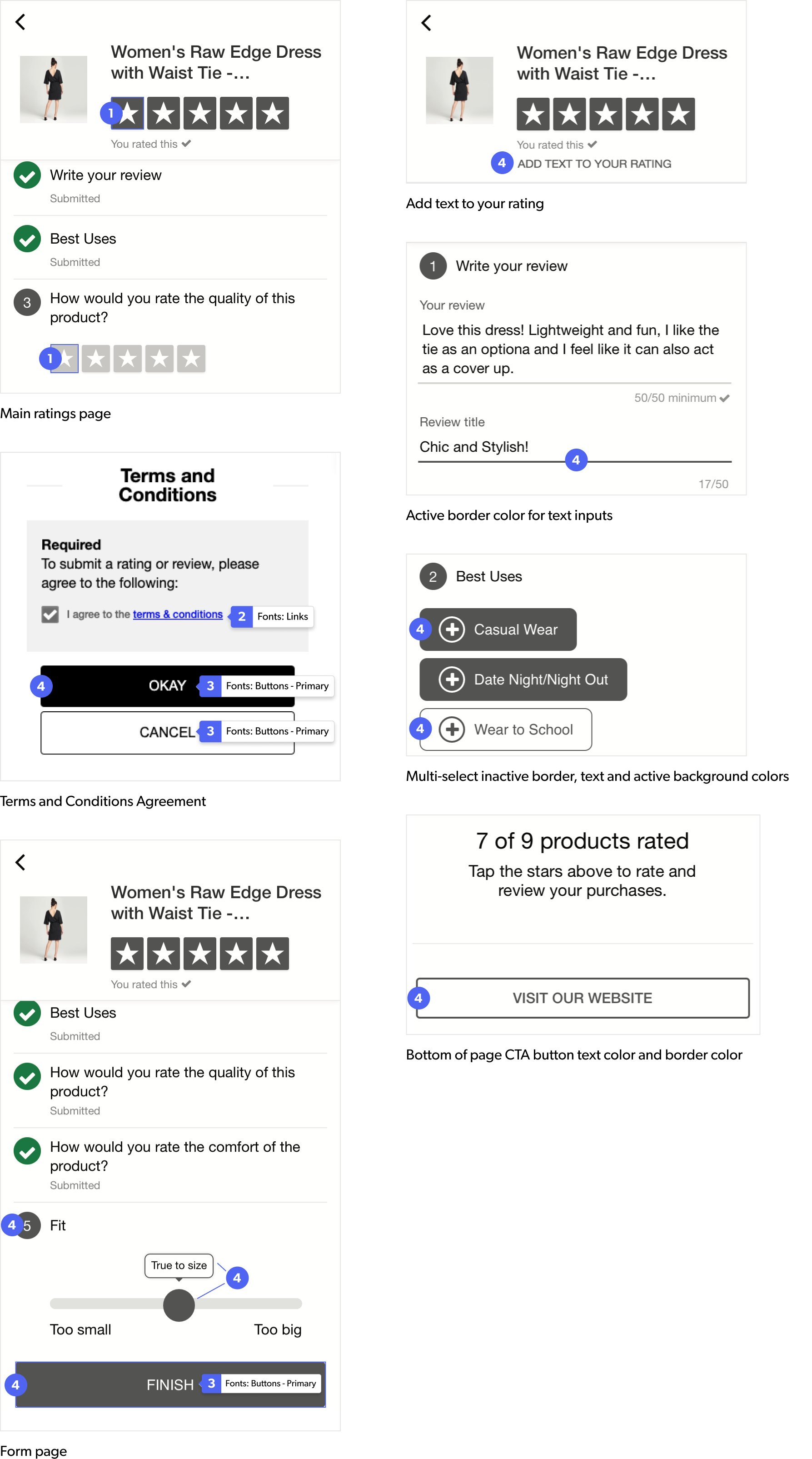
Icons
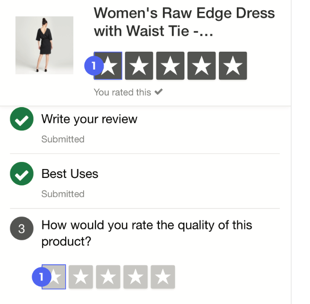
1. Review Stars
- Full: The full star fill color, used for both product ratings and secondary ratings, is measured against the app background of #FFF (white).
- Empty: The star empty color is measured against the star fill and app background colors.
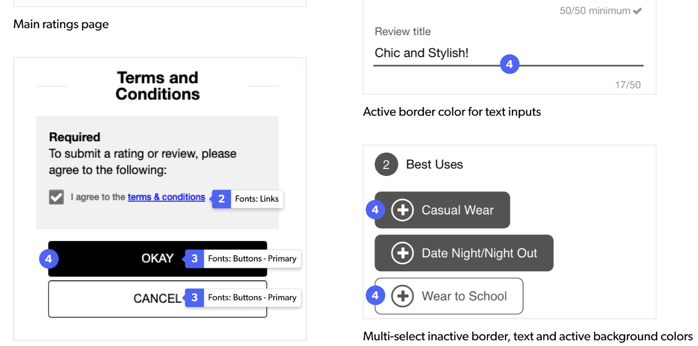
Fonts
2. Links
Link color is measured against the app background color.
3. Buttons - Primary
This color is used for the text color for the buttons on the form, such as the “Finish” button shown at right.
Backgrounds
4. Buttons - Primary
This color is used for:
- The background of the OK button as well as the border and font color of the Cancel button.
- The active question number color.
- The Slider handle as well as the tooltip border.
- The CTA button backgrounds.
- The text color for the message to either add text to your rating or to finish editing.
- The active border color for text inputs.
It is more importantly used as the brand color, so most styles default to whatever is provided in this field. This includes the other question types, such as the single and multi-select