The Bazaarvoice Reviews & Photos app integrates with the Shopify admin UI.
Shopify Customers page admin UI extension
The Bazaarvoice Reviews & Photos app includes a Shopify admin UI extension for the Shopify Customers page. This extension enables a Shopify Merchant to view all reviews submitted by a specific Shopify customer, providing a complete history of their reviews.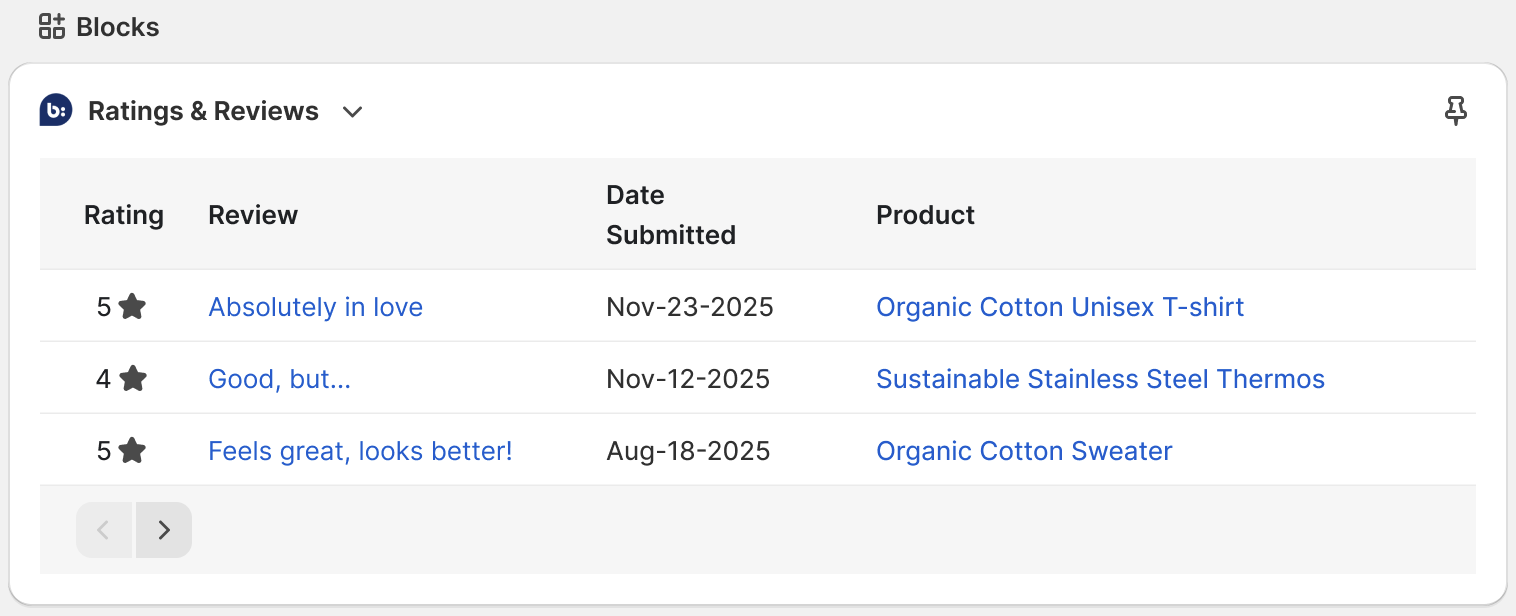
Before you begin
Before starting, ensure you:
- Install and configure the Bazaarvoice Ratings & Reviews app in Shopify.
- Collect reviews through Bazaarvoice.
- Verify you have the required permissions to access the Bazaarvoice Portal Manage Content application. Refer to the Manage Content topic for more information.
Add the Shopify admin UI extension to the Shopify Customers page
To add the admin UI extension, follow these steps:
- Go to Customers.
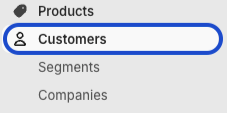
- Select any customer.
- Go to Blocks and select + Block.

- Select Bazaarvoice Ratings & Reviews.

View reviews in the admin UI extension
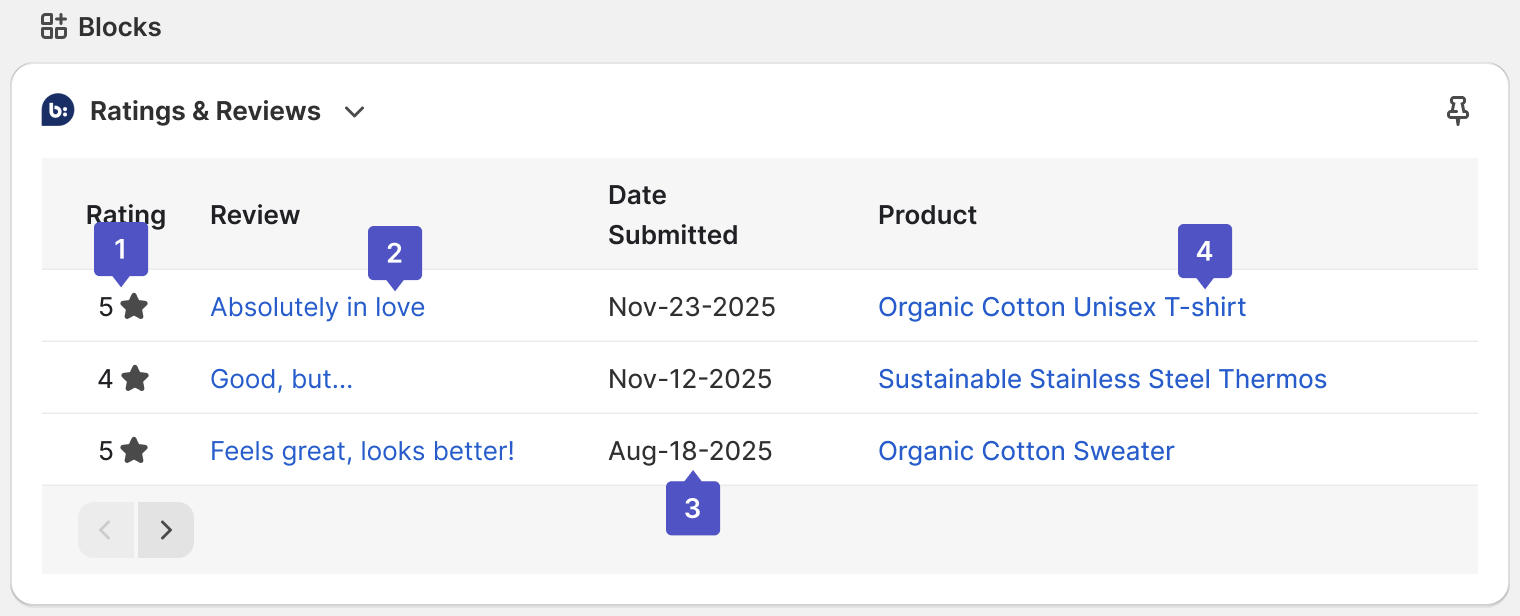
After adding the admin UI extension, you can view review history for specific customers:
-
Rating
The 1- to 5-star rating submitted by the customer.
-
Review
The first 25 characters of the review title. Select a title to open the detail view of a review in the Manage Content app in the Bazaarvoice Portal. Refer to the Manage Content topic for more information.
-
Date submitted
The date the customer submitted the review.
-
Product
The link to the reviewed product's page in your Shopify store.
