Discover and capitalize on emerging trends with Bazaarvoice Vibe’s TikTok trends feature, ensuring your content stays timely and relevant. By analyzing trending hashtags directly within Vibe, you can save time, gain a clearer view of what's popular, and avoid missing key engagement opportunities.
Before you begin
Before you start using TikTok trends, connect your TikTok account.
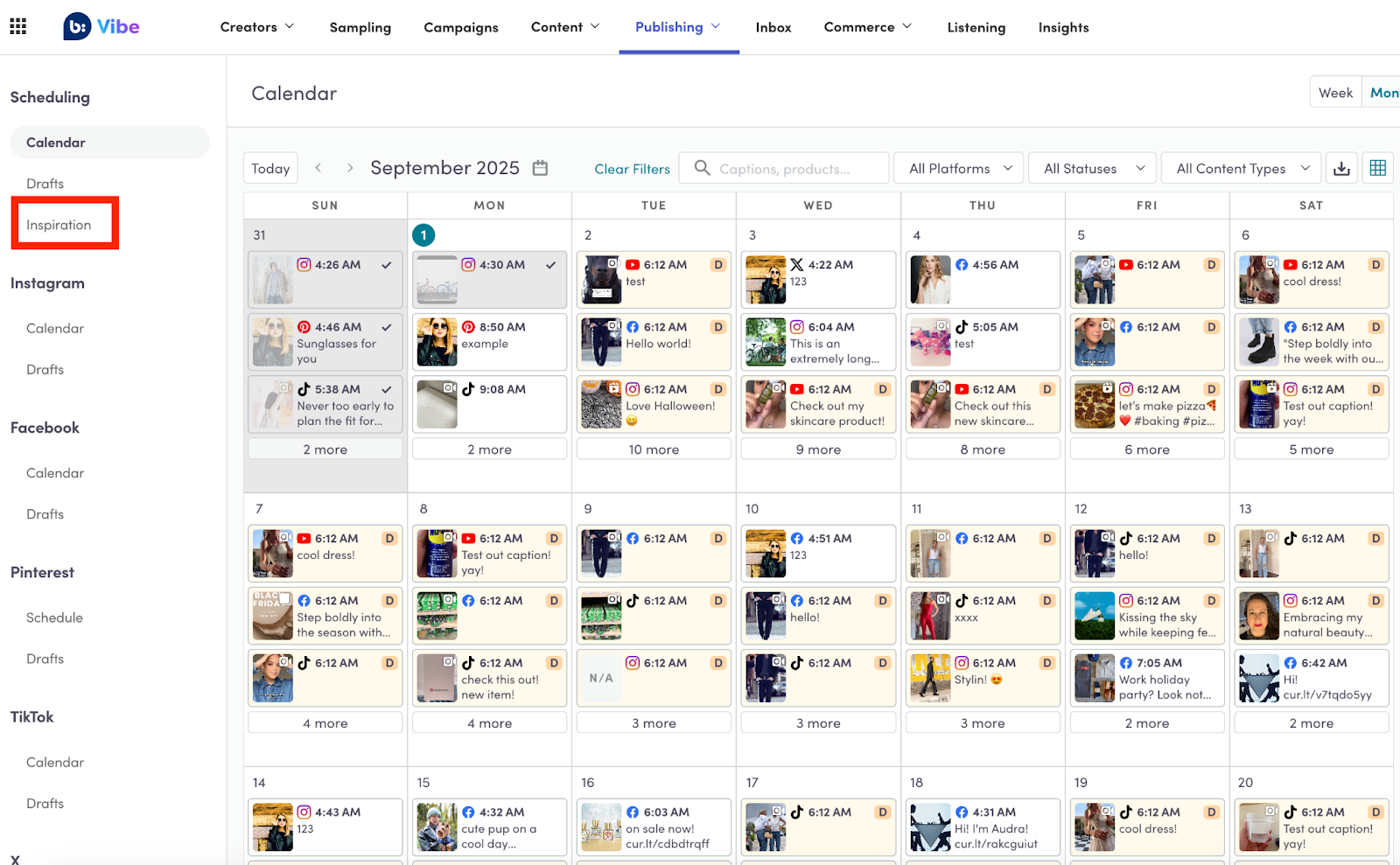
To navigate to TikTok trends, in Vibe, select Publishing > Inspiration.
 .
Explore trends
When you open TikTok trends, you will see a list of the top 200 trending hashtags. By default, this list shows trends from the last seven days across all categories. For each hashtag in the list, you can see:
-
The hashtag name (for example, #summer)
-
The total number of posts using that hashtag
Filter trends
You can filter the list of trends by category and date range to find topics that are most relevant to your brand and content plan.
Filter by category
Follow these steps to filter the trends list by a specific industry category:
-
Select the Category filter. A drop-down menu with a list of categories will appear.
-
Select your desired category. The list will automatically update to show only the trending hashtags relevant to your selection.
-
To see all trends again, simply clear the applied filter.

Filter by date
Follow these steps to see trends from a specific timeframe:
-
Select the Date filter.
-
Choose one of the following options:
-
Last 24 hours
-
Last 7 days (default)
-
Last 30 days
-
Last 120 days
-
-
The list will update to show hashtags that were trending within your selected date range.
View trend details
To get more context about a specific trend, select a hashtag from the list. This will take you to a dedicated page with detailed information and analytics.
On the trend details page, you will find:
-
AI-generated explanation: A concise, AI-generated summary of why the hashtag is currently popular. This description is clearly labeled to show it has been generated by AI.
-
Trend analytics: A summary of the hashtag's performance, including:
-
Total views for videos using the hashtag within the selected timeframe.
-
Total views for videos using the hashtag across its entire lifetime.
-
Total posts for videos using the hashtag within the selected timeframe.
-
Total posts for videos using the hashtag across its entire lifetime.
-
-
Example videos: A gallery of the top 20 videos using the trending hashtag. You can change the timeframe for these example videos to see content from the Last 24 hours, Last 7 days, Last 30 days, or Last 120 days.
Create a post from a trend
You can quickly create content based on a trend directly from the TikTok Trends page. This will open the social media scheduler with TikTok pre-selected and the hashtag automatically added to the caption field.
You can create a post in two ways:
-
From the main trends list, select the Create Post option next to the hashtag you want to use.
-
From the trend details page, select the Create Post button.